Manage the work. Show the project. Help buyers explore.
Visual experiences, websites and construction business software. Start with the part your project needs, and discuss the next step with us.
Acron ERP · In developmentVisual experiencesPlovdiv · working across Europe
3areas of focus
Acronin development
5website languages
02
Why this exists
Construction runs on one set of tools. Sales runs on another.
Construction teams need to organize the work while helping buyers understand the project. Clear information and useful visual experiences support both, with a scope that fits the business.
Availability that lies
A unit is reserved on Monday and still shows free on the website on Friday. The sales team finds out from the buyer.
Scattered documents
Project files and decisions can be difficult to follow when they are spread across folders and conversations.
Renders that age out
Visuals get commissioned per campaign, so every price change or layout revision means paying an agency to redo them.
Costs found out late
The real cost of a floor is known once the invoices are in — long after the decision that set it was made.
03
Our products
Products for the business, the project and the buyer.
Our products cover business management, visual experiences and customer-facing websites. We help you choose a useful starting point and scope any connections around your needs.
03 · Website
Your website
Where buyers discover a project, explore the spaces and send an enquiry.
02 · Visual
Configurator, Altar, interiors
The building rendered so it can be explored: city scale down to a single room, and every room in 360°.
01 · Business
Acron ERP
In development for a clearer view of project work, costs, documents and coordination.
Each product has its own purpose. We can discuss which one suits your project and what connections make sense for your workflow.
04
Acron · Business management
Acron ERP — clarity for the construction business.
Acron is a construction business platform in development, designed to help teams organize project work, costs, documents and decisions without piecing the picture together from scattered information.
Projects and delivery
A clearer view of priorities and project progress.
Costs and planning
More organized estimates, budgets and project costs.
Documents and decisions
Project information that is easier to find and follow.
Teams and responsibilities
Clearer coordination between the office and project teams.
In development
Explore the product direction and discuss your team's needs with us. The current experience and suitability can be reviewed together.
The 3D configurator — sell the building before it exists.
A city-scale scene rendered in Unreal Engine 5 and streamed to the browser, so a buyer explores the development at full quality without installing anything. They pick a building, then a floor, then a unit, and see its real orientation, its real view, and whether it is still free.
City scale to single unit
One continuous scene: the masterplan, a block, a floor plate, and the apartment itself.
Light, views & seasons
Explore the view and daylight, then switch between spring, summer, autumn and winter, with optional snowfall in the winter scene.
Availability for your workflow
Present unit availability with an update process agreed for your project.
Runs in a browser
Streamed from a GPU server. No app, no download, and the same experience on a laptop or a phone.
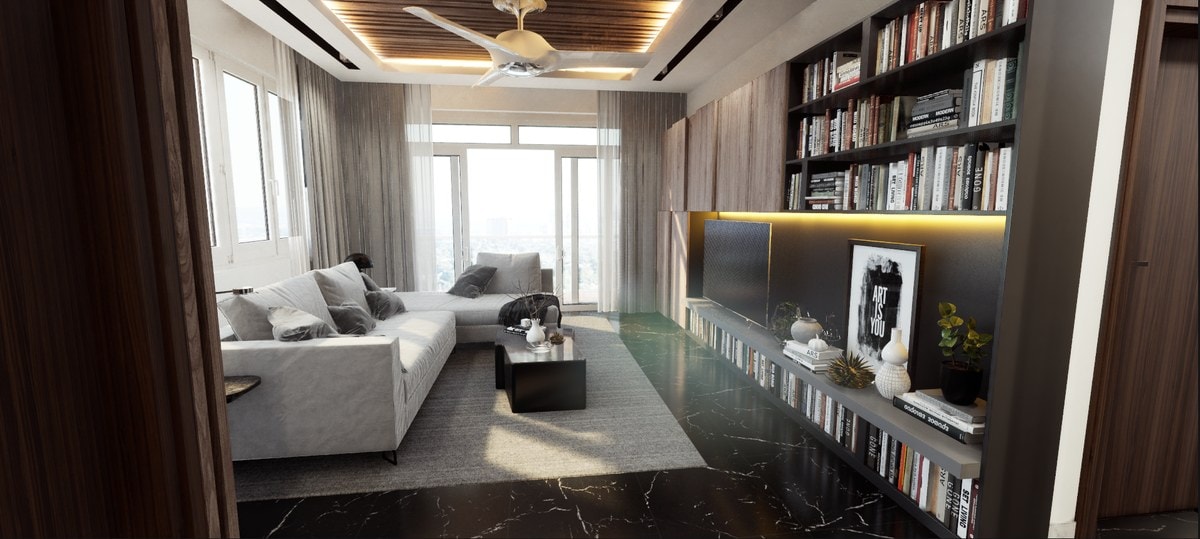
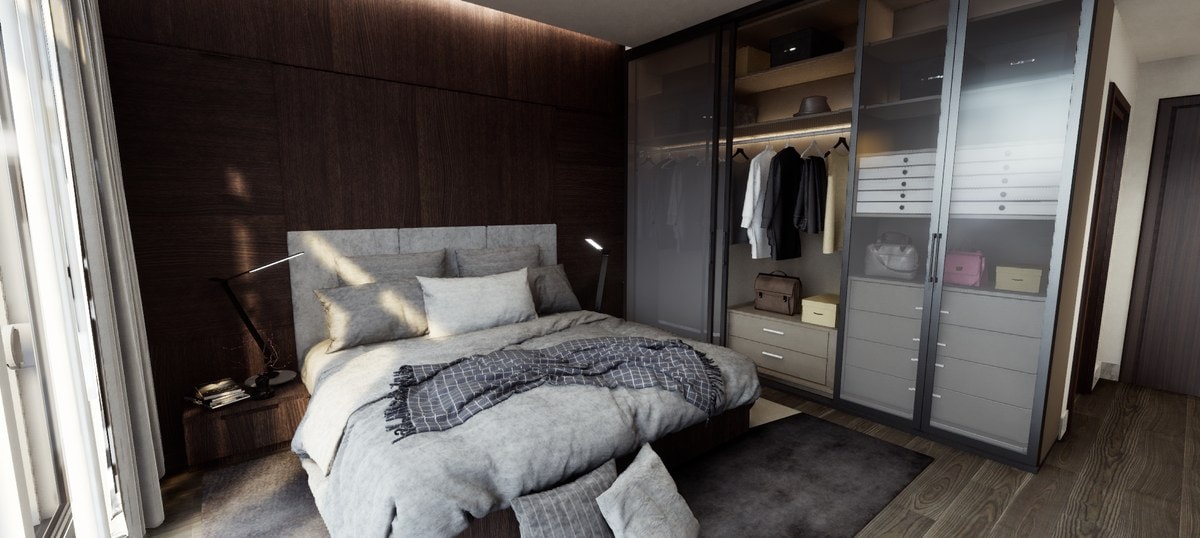
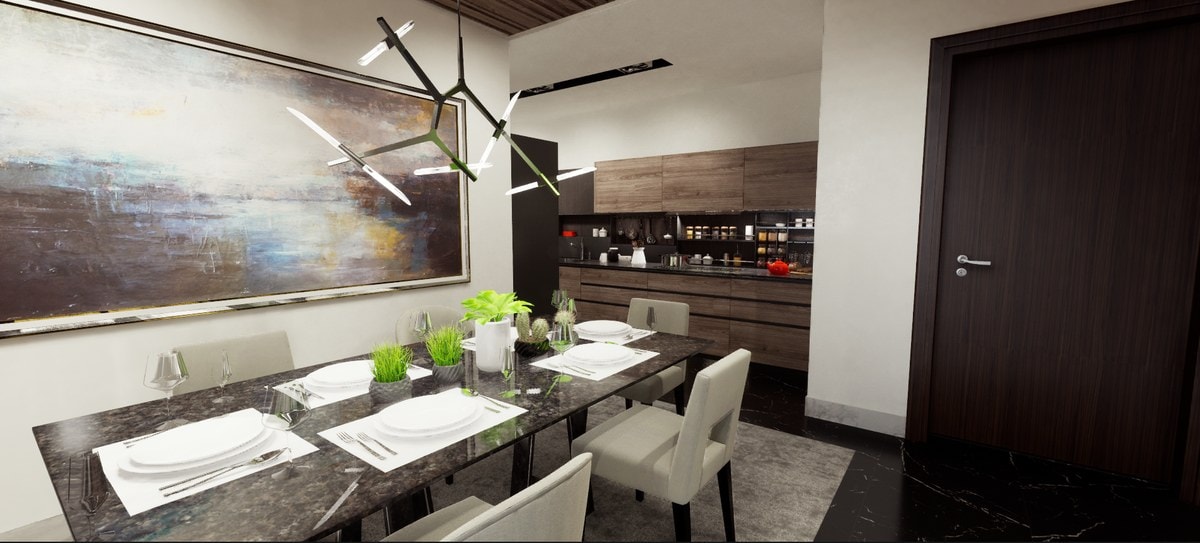
Photorealistic interiors for the units a campaign is built around — the show apartment, the penthouse, the common areas. Delivered as stills for print and social, as 360° panoramas that drop into the configurator, and as a walkthrough where the unit justifies one.
Interior renders from a delivered project — the same scenes feed the configurator, the website and the print campaign.
Concept to final frame
Mood board, palette, materials and furniture specified per room, then rendered.
Every output format
Print-ready stills, social crops, and panoramas that go straight into the 3D.
Reusable, not per-campaign
The scene stays live, so a revised layout or finish is a re-render rather than a new commission.
An interactive walkthrough that opens in any browser. Every room is path-traced in Unreal Engine 5, and a buyer moves from room to room, switches finishes and checks the plan before anything is built.
Path-traced rooms
Light and materials path-traced in Unreal Engine 5, delivered as panoramas up to 8K.
Finishes, switched live
Change the floor finish and every room updates in place.
A link to every room
Each room and finish has its own address, so sales can send a buyer straight to the kitchen.
A marketing site for one development or the company behind several. Bring visual experiences, project information and enquiries together, with connections scoped to your needs.
Configurator embedded
The 3D sits inside the page, not behind a button on someone else's domain.
Clear availability
Give buyers a useful view of unit prices and status, with an update process agreed for your project.
Leads with context
An enquiry carries the unit, the floor, and what the buyer looked at before sending it.
Five languages, fast
EN, DE, BG, TR and RU, built to load quickly for buyers browsing from abroad.
A clearer business view, a visual presentation and a useful website serve different moments in your project. We can help you plan how they fit your work.
01
Organize the business
Discuss how Acron's product direction fits your project-management needs.
02
Present the project
Use the configurator to help buyers understand the development, its setting and the available spaces.
03
Explore the spaces
Interior visuals and Altar walkthroughs help buyers picture the rooms and finishes.
04
It goes on sale
Bring project information, visual experiences and an enquiry process onto your website.
05
Follow up with context
Plan a clear process for enquiries and next steps, with connections agreed for your workflow.
Start with the part that helps your project today. We can discuss the rest and define the scope together.
10
Where to start
Choose a useful starting point.
Explore the products around your needs, including Acron's development direction. We can discuss what fits your project today.
01
Start with the business
For construction teams exploring clearer project and cost coordination. Discover Acron's direction and discuss the fit with us.
02
Start with the launch
For a development preparing its launch. Start with the visual presentation and website, then discuss your wider business needs.
03
Start with the website
For developers improving how buyers discover a project. Build a clear website with room for visual experiences and future connections.
We agree the scope with you, including what is useful now and what can be considered later.
Next step
Tell us what you are building. Let's find the right starting point.
A short conversation helps us understand your needs and agree a useful scope.